CASE STUDY

Invoice Follow-Up & Payment Sync

From manual chasing to status-aware follow-up

Project Overview

Invoice Follow-Up & Payment Sync was built around a common accounts-receivable process where unpaid invoices need consistent follow-up without relying on someone to remember each next step. Instead of manually checking payment status, sending reminders, and updating internal records, the workflow connects these actions into one structured process that reacts to the current state of the invoice.

The system keeps follow-up aligned with actual payment activity. Before each reminder, it checks whether the invoice is still unpaid, continues the sequence only when action is still needed, and stops automatically once payment is confirmed. Payment events also update the connected CRM record and internal tracking, giving the team a clearer view of each invoice from initial follow-up through completion.

Problem

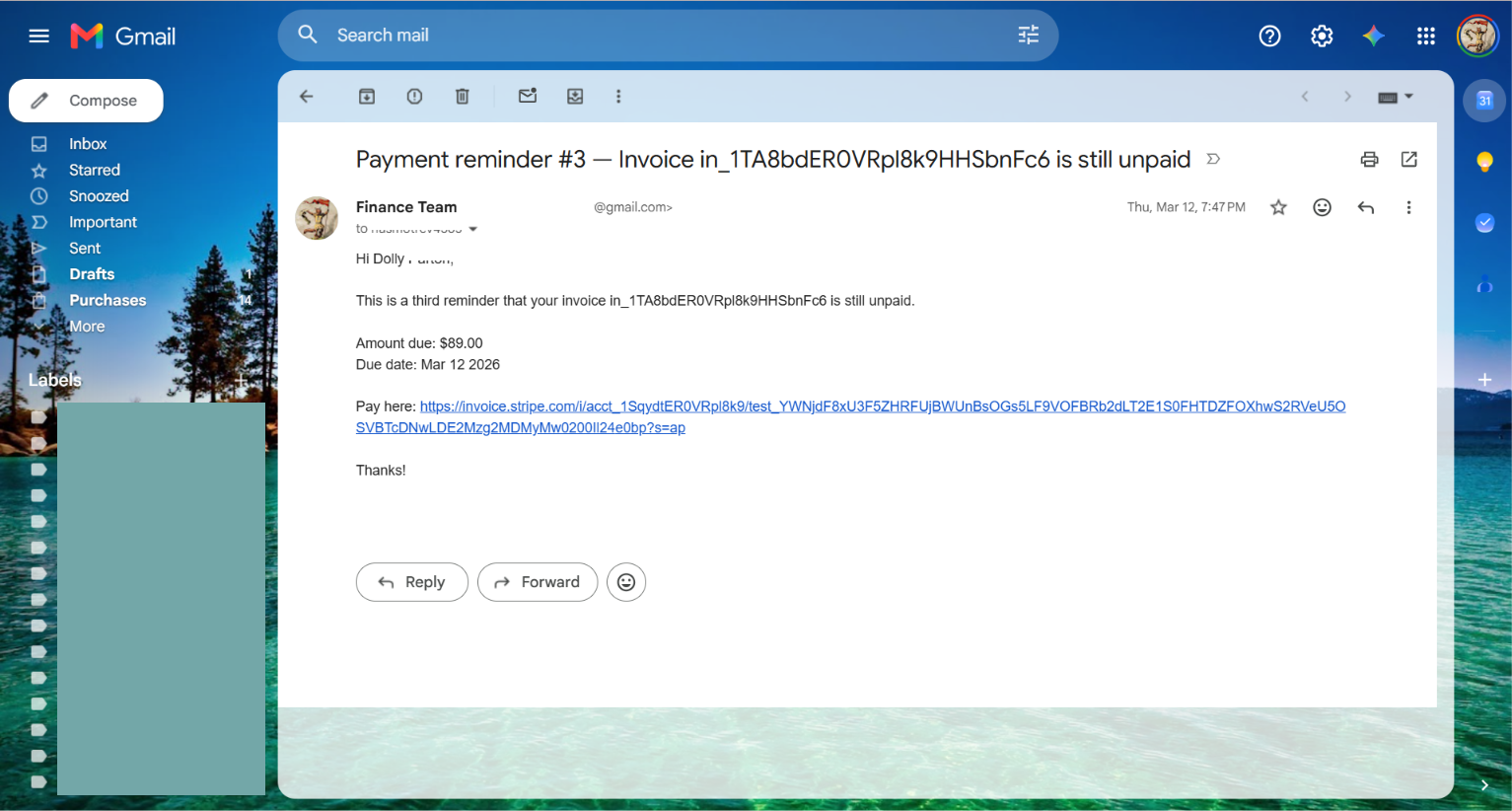
Invoice follow-up depended on repeated manual checks across payment, email, CRM, and internal tracking. The team had to keep track of reminder timing, verify payment status before contacting the client again, update invoice and CRM records, and make sure follow-up stopped at the right moment. This made follow-up easy to miss, duplicate, or continue after the invoice had already been paid.
Solution

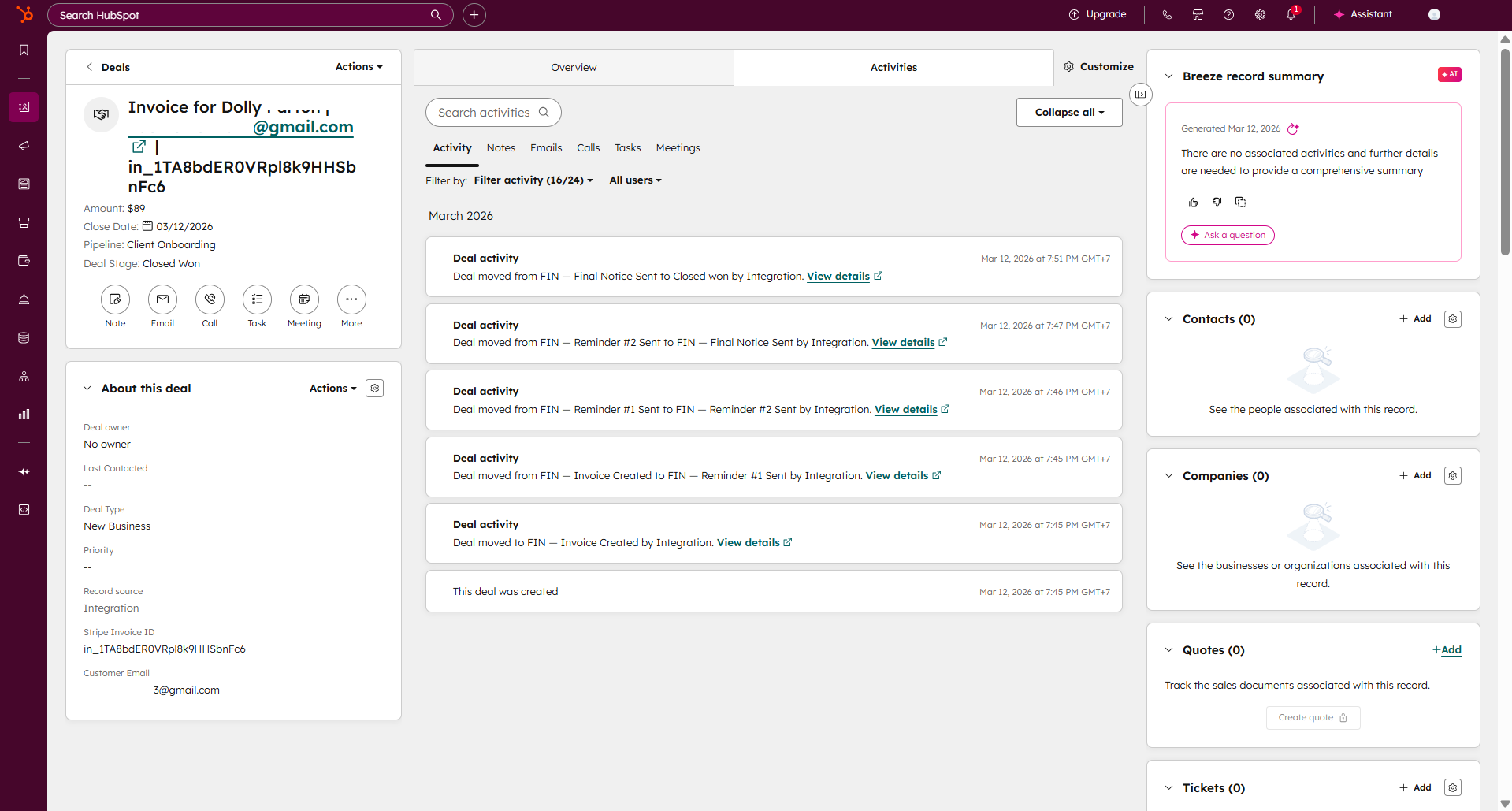
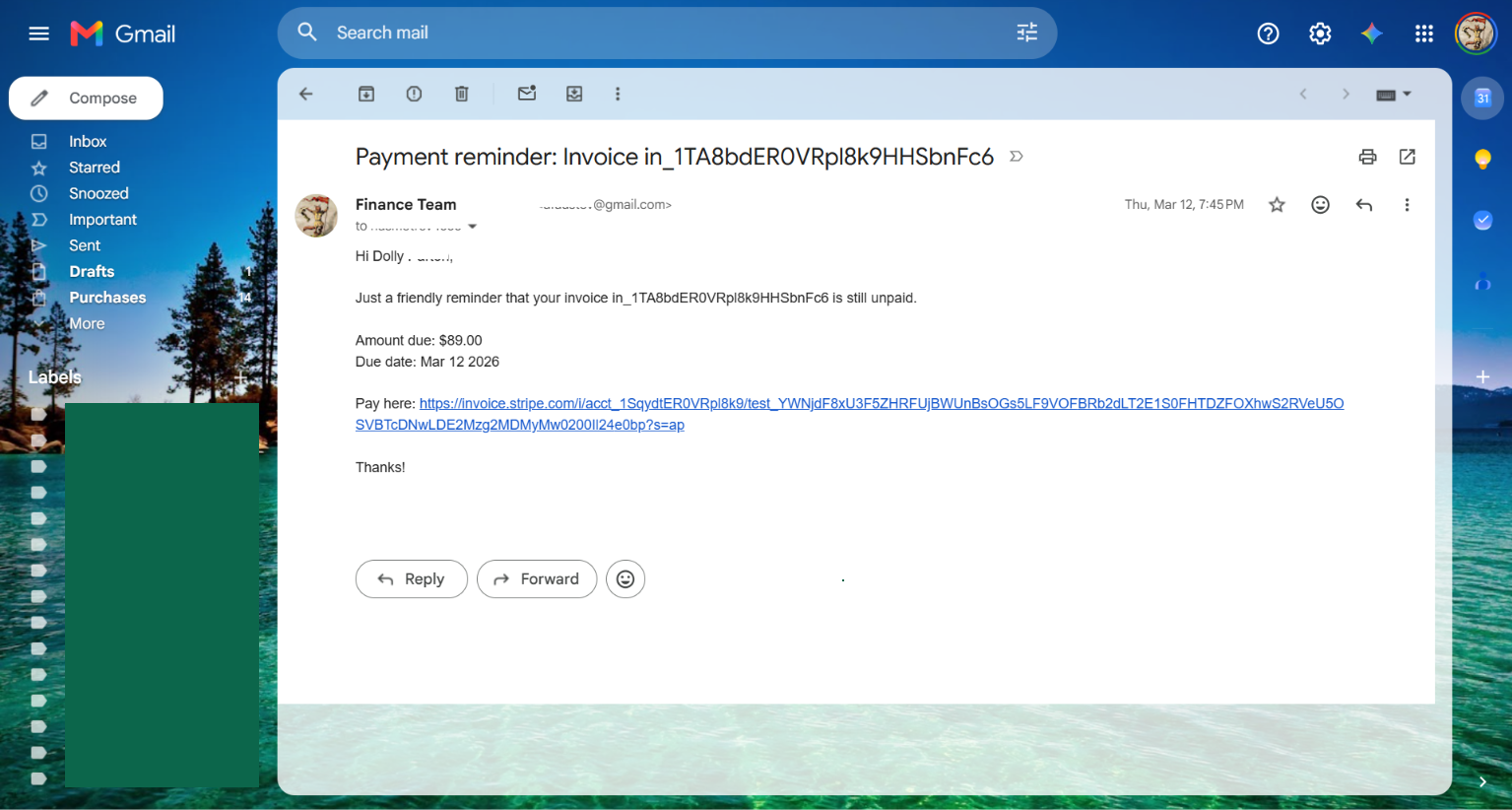
The workflow turns invoice follow-up into a status-aware sequence that combines scheduled reminders with live payment checks. Before each reminder is sent, the invoice status is checked in Stripe so follow-up continues only when payment is still outstanding. The same process updates the tracking record and keeps the related CRM deal aligned with the current invoice state.

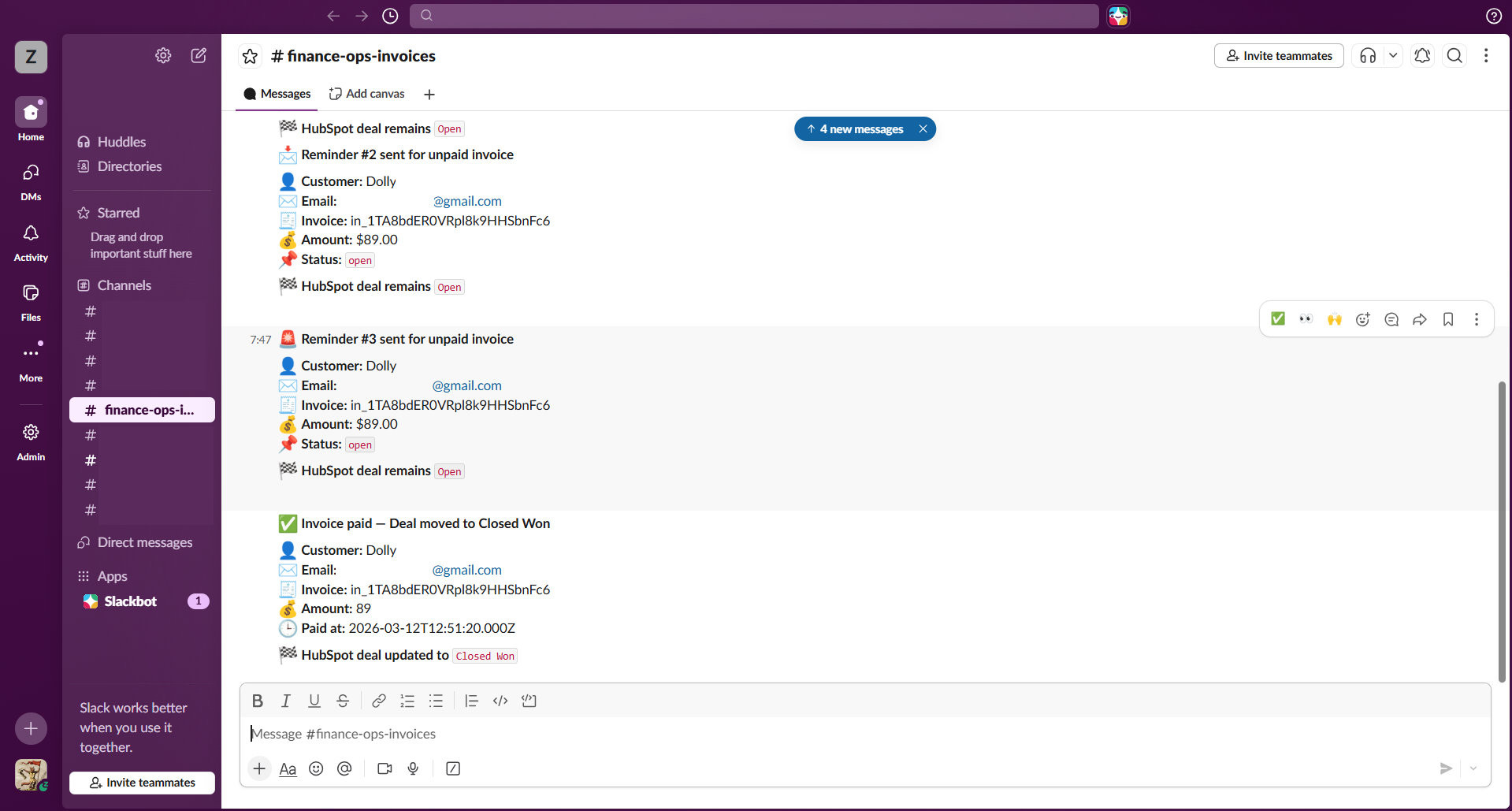
When payment is confirmed, the reminder sequence stops automatically and the paid event completes the remaining updates. The invoice record is marked as paid, the associated deal moves to its completed stage, and the team receives a confirmation so customer communication and internal records stay synchronized.

Safeguards

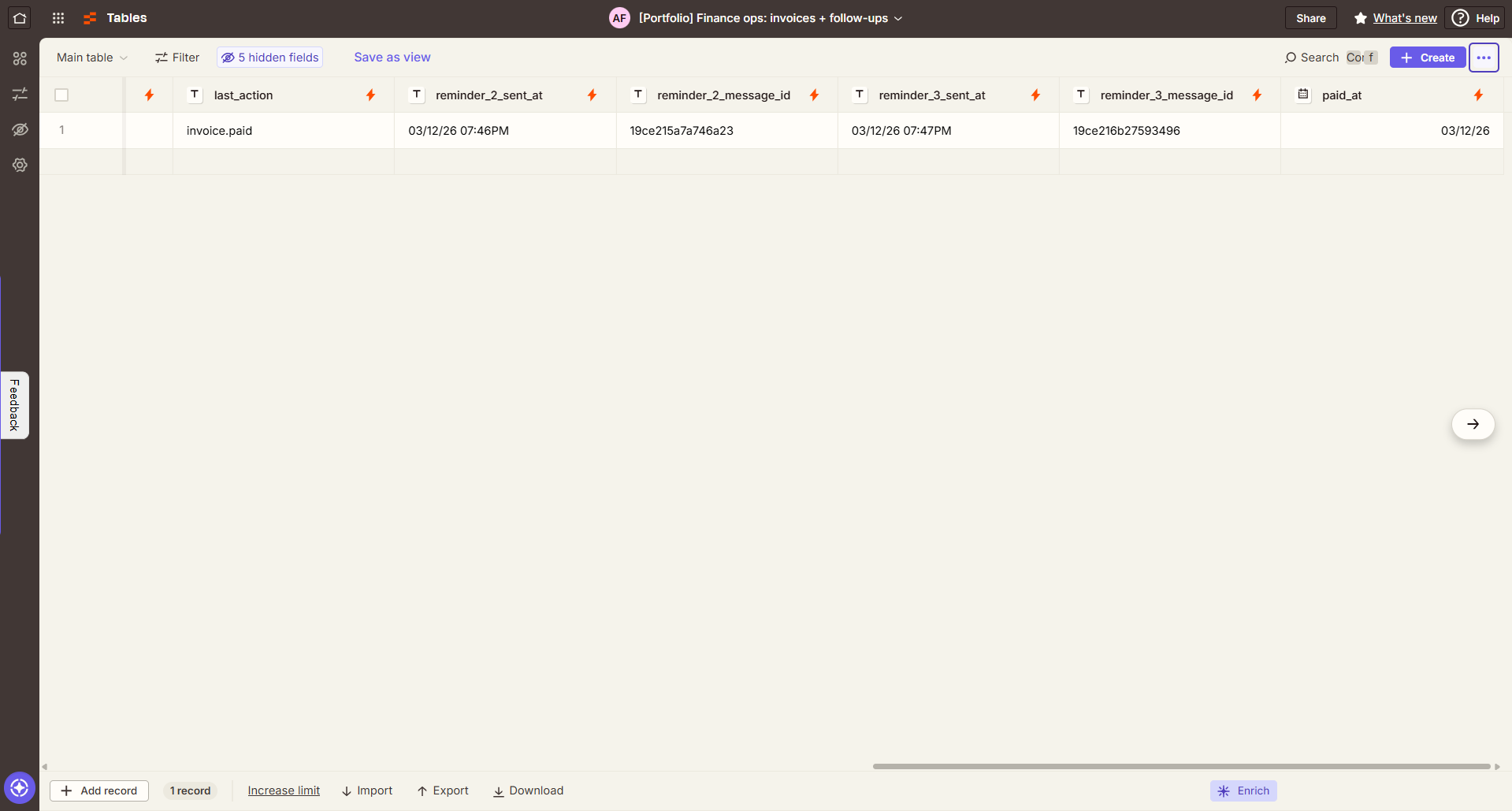
The automation checks the live invoice status before every reminder, so follow-up stops if payment has already been received. Each reminder is logged separately with its own timestamp and message reference, while CRM stages are updated as the invoice moves through follow-up and payment. A separate paid-event path closes the loop immediately, keeping the tracking record and CRM aligned with the actual invoice state.

What was built

The build includes a scheduled invoice follow-up workflow with live payment checks, a three-step reminder sequence, email notifications, invoice tracking, CRM stage updates, and internal alerts for the team. A separate paid-event workflow closes the loop by marking the invoice as paid, updating the related CRM deal, and stopping further follow-up.

Expected Impact

This workflow provides a more reliable path from invoice creation to payment. Live status checks lower the risk of reminders being sent after payment, while synchronized tracking and CRM updates give the team a clear history of each reminder and final payment confirmation.

Pricing & delivery

Starting at $1,100

Estimated delivery 3–4 weeks

The Follow-Up Flow

Workflow in motion

Inside the Workflow

Have a workflow that takes too much manual effort?

I’ll review the process and show you where automation could help.

Ask on WhatsApp